
How to Get Free Wi-Fi Networks Correctly and Safely?
Advertisement
Another useful way is to download an App, which will help you find free internet when you leave home. You’d better download the App WifiMapper, a helper that can get you reliable wireless networks near you when traveling outside. WifiMapper claims to provide the world’s largest database of Wi-Fi networks, with nearly 5 million Wi-Fi networks and more than 2 million free recommendations worldwide hotspot. The App, available for download on both iOS and Android, can tell you where you can connect to Wi-Fi networks, and whether it is safe and free.
How do you protect yourself when using free Wi-Fi online?
Advertisement
It’s a good start to ensure that the website you are using is safe. But in addition to ensuring that your traffic is encrypted as much as possible through HTTPS and SSL, you should also use a virtual private network (VPN), which enables you to use a secure private network. If you’re used to free Wi-Fi, you can configure the VPN to join the Wi-Fi network. When the website you are using is not completely encrypted, it may even threaten you. To better protect your privacy and security, you’d better look for a VPN service instead of a proxy service, which can disguise the identity of the device.
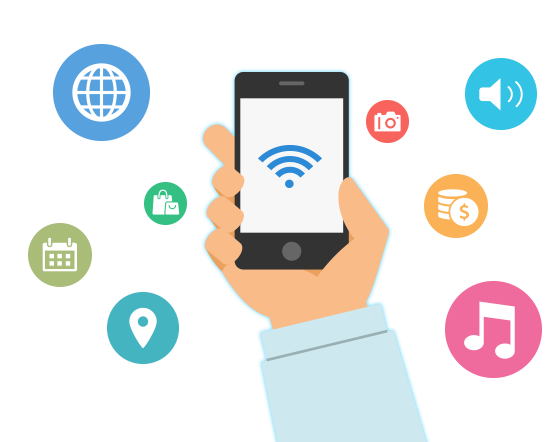
There are also some settings you should change before connecting. By doing so, you can prevent your smartphone or memory from automatically joining the public network. It’s a good idea worth trying. It is also very important to ensure that all your accounts are set up with a password manager. You need to change your repeated or insecure passwords and start a two-factor authentication system. Some people may regard it as an unnecessary trouble, but it can indeed play a role in safety protection. Besides, it is recommended to take preventive measures, such as turning off sharing and turning on your laptop's firewall. Other precautions should be taken, including turning off the device’s Wi-Fi when you are not using it.
When you're using a free Wi-Fi network, you're taking on more risks. If you are dealing with some sensitive information, such as your bank details, credit card information, or financial information, then you can only connect to a secure network at home or in office. As long as you confirm that the free Wi-Fi network you're connecting to is secure and reliable, you can try it, which can serve as a shortcut for you.
Advertisement
 1
1 1
1- Previous article
- San Francisco: Tax adjustment for high paying corporations
- Next article
- How to Get Gold and Diamond for Free
Advertisement
OTHER NEWS

Will Mathematician Be Replaced by AI?
BY Kathleen
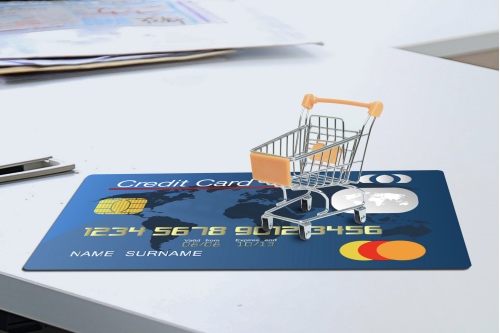
The Buy Now Pay Later Space Is Getting More Competitive in Europe, As New Startups Sprout Up
BY Bailey

Squirrel beer, ant gin and poop wine
BY Susan

What is the ultimate speed of sound transmission?
BY Christine,Einstein

What do linguists think of hashtags on social media?
BY Kathy

The more generous the society is, the longer its members live
BY Michelle
RECENT NEWS
-
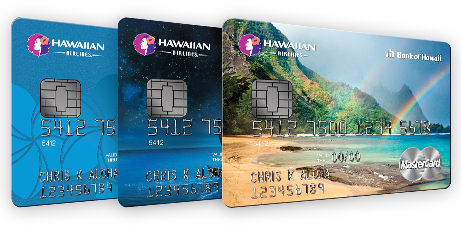
Santander World Elite™ Mastercard®: The Perfect Travel Companion
-
The Buy Now Pay Later Space Is Getting More Competitive in Europe, As New Startups Sprout Up
-

Argentina Mourned Over Maradona’s Death for Three Days, Why a Football Player Could Own Such an Honor? (II)
-

Argentina Mourned Over Maradona’s Death for Three Days, Why a Football Player Could Own Such an Honor? (I)
-

007’s File Was Actually Hidden in Poland
-

A Small Town Named Fucking in Austria